


There are several reasons people decide to shop at a certain online store or choose one streaming service over another. Factors like quality, pricing, and speed all come into play.
Speed refers to how quickly the website loads and reacts to input from users. Unfortunately, even a two-second delay can cause users to bounce away and never return.
If you aren’t sure if your website is fast enough, it’s a good idea to use some of the top website speed test tools. While there are many options to choose from, we have broken down some of the best to make the decision a little easier. Keep reading to learn about the top options available.
1. PageSpeed Insights

PageSpeed Insight is a tool offered by Google and has been the “go-to” tool for testing and grading websites for several years. While the tool’s design is simple, it’s a highly effective tool to use.
When used, the tool benchmarks websites and gives them a grade from one to 100 for both desktop and mobile versions. The higher number assigned to the site, the faster it is.
Using the tool is simple. There’s a single input field where you put the website URL you want to be checked. After the test, you receive detailed information about things like page sizes, TTFB, render-blocking code, and more. Under every section, you also receive a list of things you can do to improve your site’s speed.
Unlike other tools, Google PageSpeed Insights doesn’t let you set up alerts, customize results, or choose different locations to run tests. While this is a downside of the tool, it is free to use and doesn’t require you to register or provide personal information.
2. GT Metrix

Another free tool for checking your website’s speed is GTmetrix. The tester is easy to use. Simply put the URL of your site in the search bar and choose “Analyze.”
Some of the reasons to use this tool include:
- Easy to use interface with a smart UX design makes it easy to navigate and trustworthy.
- Page speed numbers are given with context. For example, you get to see how your site is doing compared to others.
- Scores can be broken down by type, which means you can find the information that means something to you.
You can also upgrade to the pro version of GTMetrix, which provides you with access to page settings, alerts, monitoring, and more. However, the test is free, and you can download and save the data.
3. Pingdom

Another well-known tool for testing website speed is Pingdom. It’s been around for several years and doesn’t require you to log in to access the tool. While this is true, the reports aren’t as detailed as what’s provided by PageSpeed Insights.
Your site’s performance will be given a grade of zero to 100 with a breakdown of requests by domain, content size, response codes, and a waterfall chart that gives you details about the file load times.
The free tool allows you to run a test from 70 locations. If you choose to sign up for the Synthetics solution, which starts at just $10 per month, you can receive page speed alerting and monitoring.
4. DareBoost
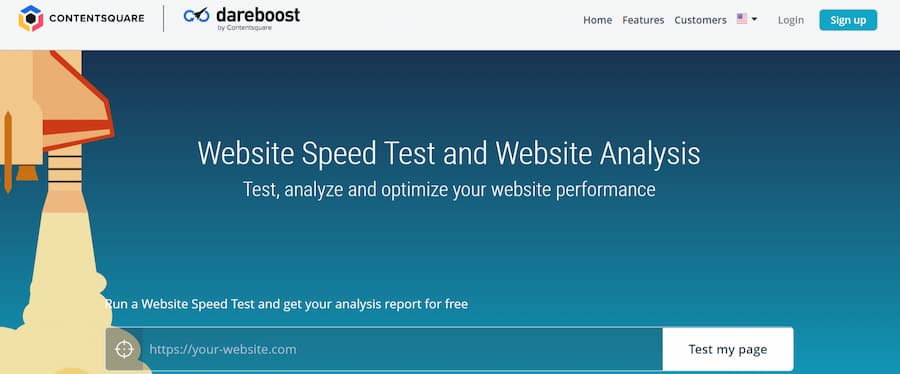
When you first look at the Dareboost tool, it will look like most of the others. In many ways, this is a good thing. It’s simple to put in your website URL and select a test location to begin the test.
While this is true, this tool is a little tricky too. If you have used the service one time, you must sign up for an account to use it again. This is free and typically worth it, but you have to put more time and effort into using the tool.
While this is true, the features of this site are unique and include:
- Visual representation of data
- Video breakdown of your site’s loading process
When it comes to features, Dareboost offers some interesting ones. The data visualization tool is also great to help you interpret the results. While signing up for an account may cause some people to look elsewhere for site speed testing, it is worth it to access the tool.
5. WebPage Test
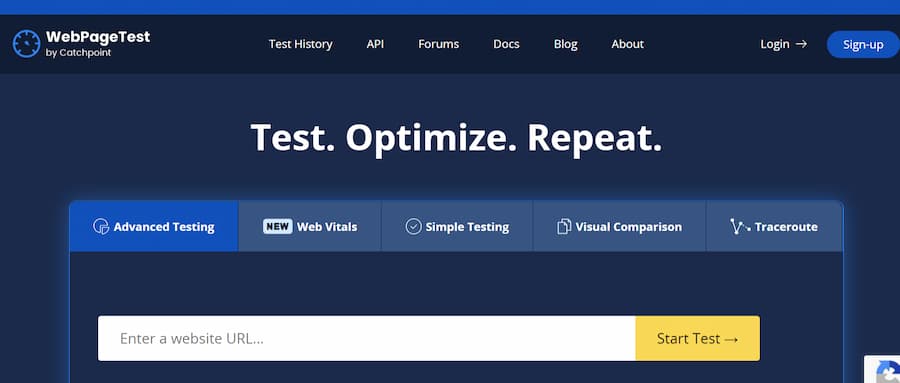
WebPageTest.org is a performance testing tool and open-source website. It lets you benchmark your site from one of 40 locations and with many devices. It’s also possible to simulate your tests over slower mobile networks or the faster 4G and 5G technology available.
After the test runs, your site is given a grade that ranges from F to A. The results include waterfall charts, caching, TTFB, compression for load speed, and more.
This tool also includes a unique test. The test is run three times, and all three data sets are displayed. This is done to determine if CDN or DNS may cause a delay and if the server can respond to requests made.
Need Help Improving Your Website Speed?
Each of the tools listed above can help you see where your site is when it comes to speed. They also represent the first step to improving your site’s speed. As you use the tools, you can determine which one best suits your needs and provides you with the information you are looking for. There’s a good chance you or your company’s development team will prefer a certain report style or feature set.
While no one tool is better than the others, the unique features some offers are preferable for some. Each tool on the list will help you see where you stand now, track changes you make, and ensure your site loads quickly.
If you want to take other steps to improve your website speed, it may be smart to use a caching plugin or to change web hosts. These are other steps you can take to improve your site’s speed that are effective and that offer measurable results. Working with the professionals may also be necessary if you are dealing with serious page speed issues.